
Installing cameras is the easy part. The difference between a system that helps and one that disappoints is planning: where each camera points, how long footage is kept, and how quickly you can find the clip you need.
Start with a plan, not a camera
Before choosing hardware, list the areas that matter: entrances, cash counters, gates, staircases and parking. Check lighting at different times of day and identify where cables can be routed safely.
A camera pointed at a bright doorway can leave faces in shadow. A camera placed too high shows the top of heads instead of faces. These are placement problems, not camera problems.
Choosing the right camera
Analog systems remain cost-effective for small shops. IP systems cost more but offer higher resolution, easier cabling and smarter options for larger premises.
As an authorized partner for Hikvision, CP Plus and Prama, we recommend the configuration that fits the site rather than the most expensive one.
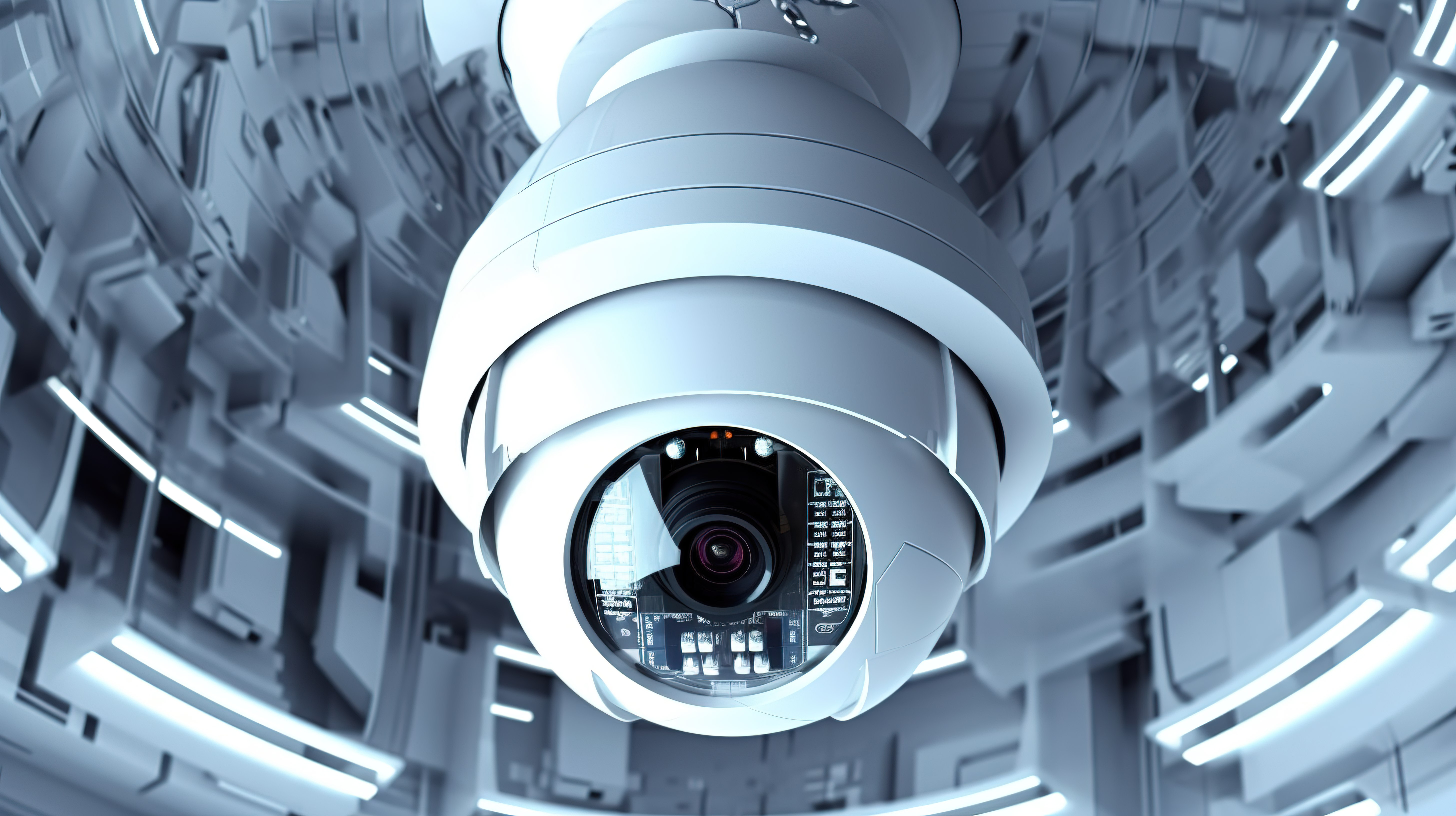
- Dome cameras for indoor ceilings and tamper resistance
- Bullet cameras for long outdoor views
- Varifocal lenses where coverage distance varies
- Night-vision and low-light models for poorly lit areas
What a professional installation includes
- Site survey and coverage plan
- Neat, protected cabling and power routing
- DVR or NVR configuration and recording tests
- Mobile app setup with secure remote access
- Handover walkthrough and basic training
- Written maintenance guidance
Storage and remote viewing explained
Recording days depend on camera resolution, frame rate and hard-disk size. A four-camera 2MP system recording continuously has very different storage needs from one recording only on motion.
We calculate realistic retention for your requirement, configure motion recording where it helps, and show you how to export a clip when you actually need it.
Maintenance keeps footage usable
- Clean camera domes and lenses regularly
- Check hard-disk health before it fails
- Verify every camera is recording, not just displaying
- Review time and date settings after power cuts
- Test remote access after router or broadband changes